How to cancel Disney+ on iPhone
 Burn Team
The people who make Burn
Short answer
In Safari, log in at DisneyPlus.com, select your Profile, then Account, select your Disney+ subscription and tap Cancel Subscription. You keep watching until the end of the current term. If Disney+ is listed in Settings, your name, Subscriptions, Apple bills you and you cancel there instead.
Download Burn on the App Store
In this post
First: who bills you for Disney+?
Open Settings, tap your name, tap Subscriptions. If Disney+ is listed, Apple bills it: use the Apple steps below. Disney+ no longer lets new or returning subscribers sign up and pay through Apple, but existing Apple-billed subscriptions carry on. If it isn't listed, Disney+ bills you directly, or a partner such as a phone or TV provider does.
Cancel Disney+ on DisneyPlus.com
- Log in to DisneyPlus.com in Safari or on a computer.
- Select your Profile.
- Select Account.
- Under Subscription, select your Disney+ subscription.
- Select Cancel Subscription.
These are the steps Disney+ gives for subscriptions it bills directly. They work in a mobile browser, so you don't need a computer.
Cancel Disney+ when Apple bills you
- Open Settings and tap your name.
- Tap Subscriptions, then Disney+.
- Tap Cancel Subscription. Scroll if you don't see it.
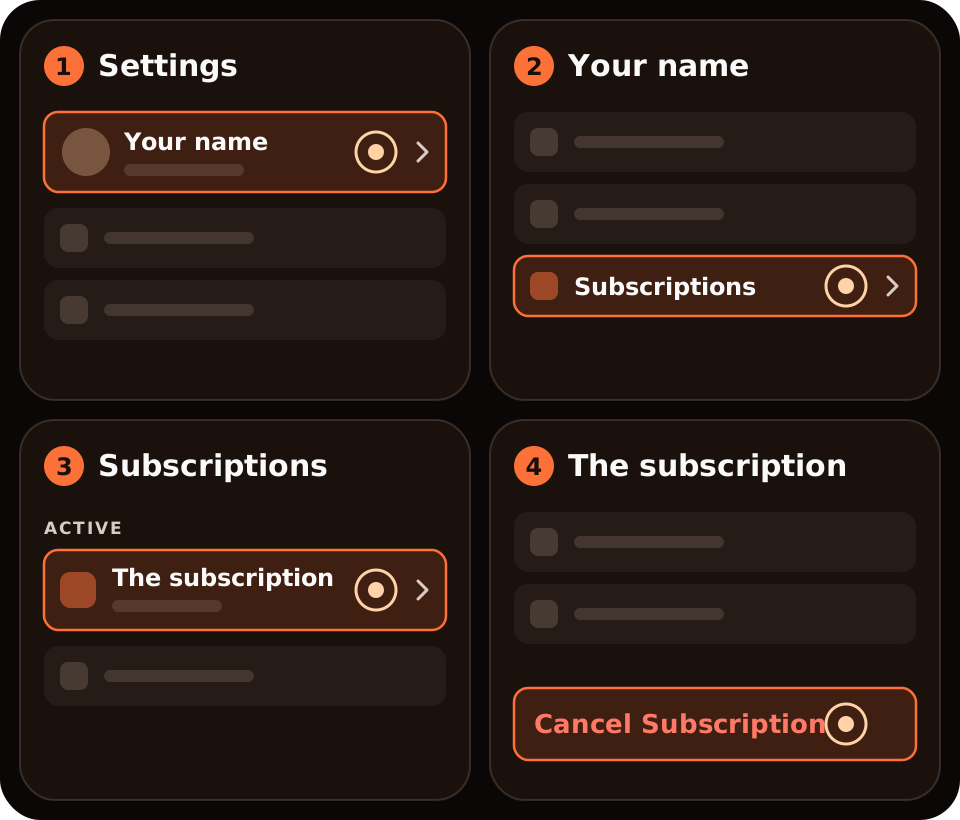
No Cancel button, or red text with an expiry date? Apple says it's already cancelled.
Disney+ through Sky, a mobile network or a TV provider
When a partner bills you, the partner manages the billing and the steps vary. Cancel with the partner, or contact them if you can't see how.
When does Disney+ stop?
Disney+ says you keep access until the end of the current term. Cancelling doesn't delete your Disney+ or MyDisney account.
Where Burn fits
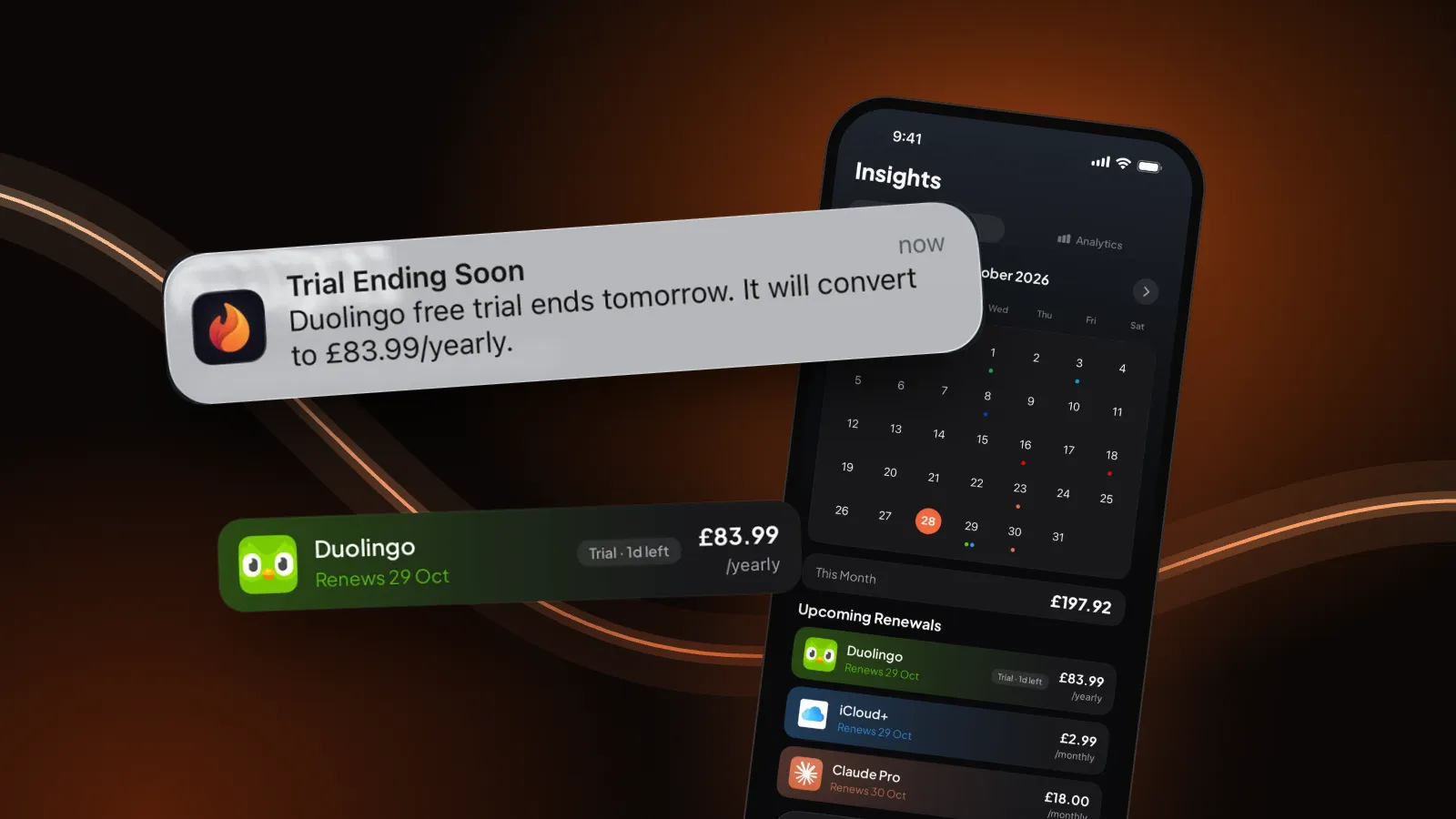
We make Burn, so weigh this. Burn can't cancel Disney+; it doesn't connect to Disney or your bank. It reminds you before Disney+ renews, at the time you choose, so you decide before the charge. Mark it cancelled and it drops out of your monthly total. Free for up to 5 subscriptions.
Questions people ask
Can I cancel Disney+ on my iPhone?
Yes. Disney+'s steps work in Safari: log in at DisneyPlus.com, select your Profile, Account, your Disney+ subscription, then Cancel Subscription. If Apple bills you, cancel in Settings, your name, Subscriptions instead.
Can I still watch Disney+ after cancelling?
Yes, until the end of the current term. Disney+ says access continues until then.
Does cancelling Disney+ delete my account?
No. Disney+ says cancelling doesn't delete your Disney+ or MyDisney account.
Why can't I cancel Disney+ on the website?
Someone else bills you. Check Settings, your name, Subscriptions for Apple billing. If it's not there, a partner such as your mobile network or TV provider bills you, and you cancel with them.
Sources: Disney+ Help, How to cancel Disney+ and Subscriptions through a third party (UK version); Apple, If you want to cancel a subscription from Apple. Checked 30 October 2026. If the screens differ, Disney+'s help wins.