Subscription tracker app for iPhone and iPad - Track every subscription.
Every subscription and what it really costs you, in one place. Burn reminds you before renewals and free trials, and tells you when a price goes up.

Free to start · No account


Track subscriptions on iPhone - See your yearly burn
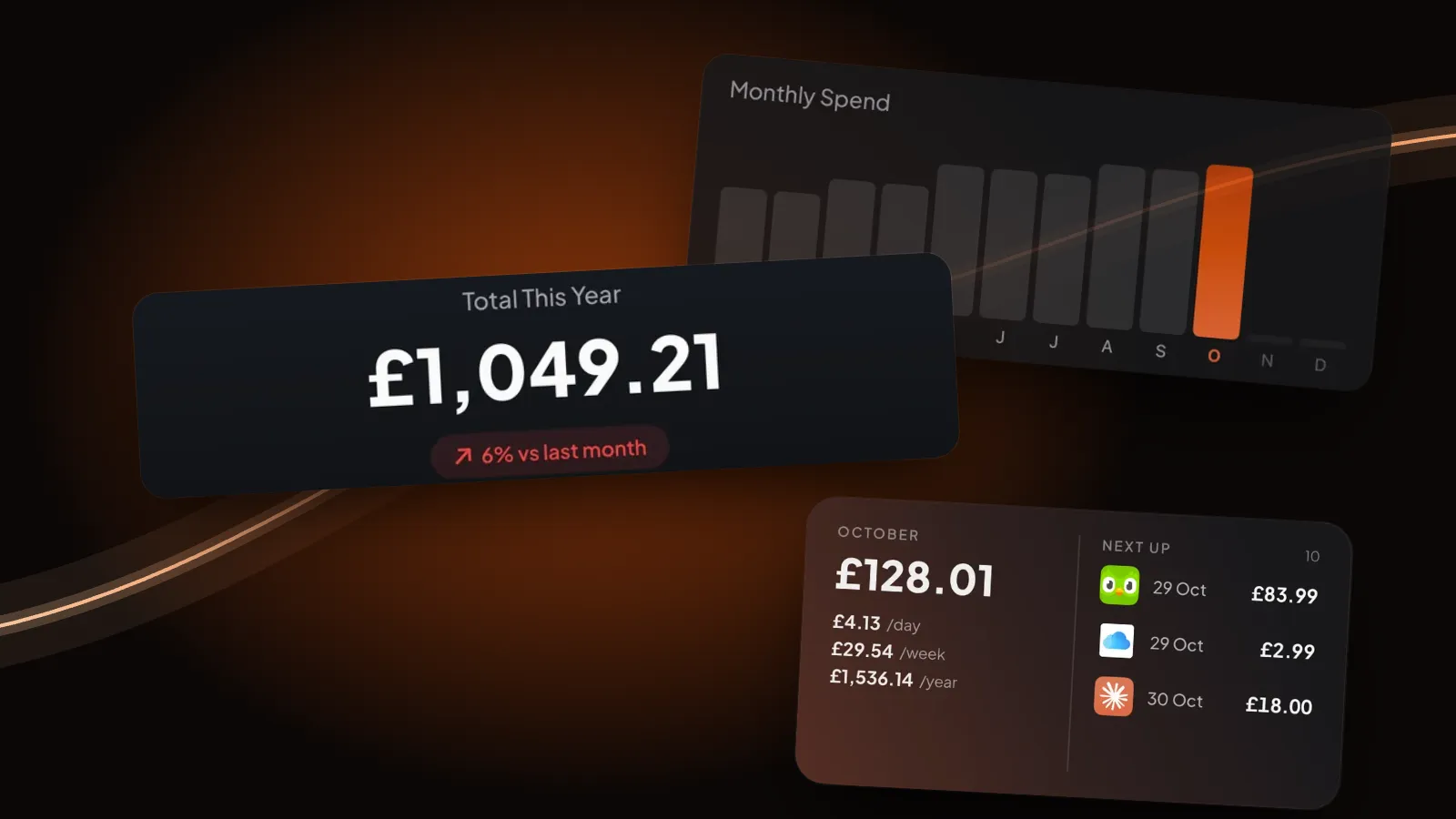
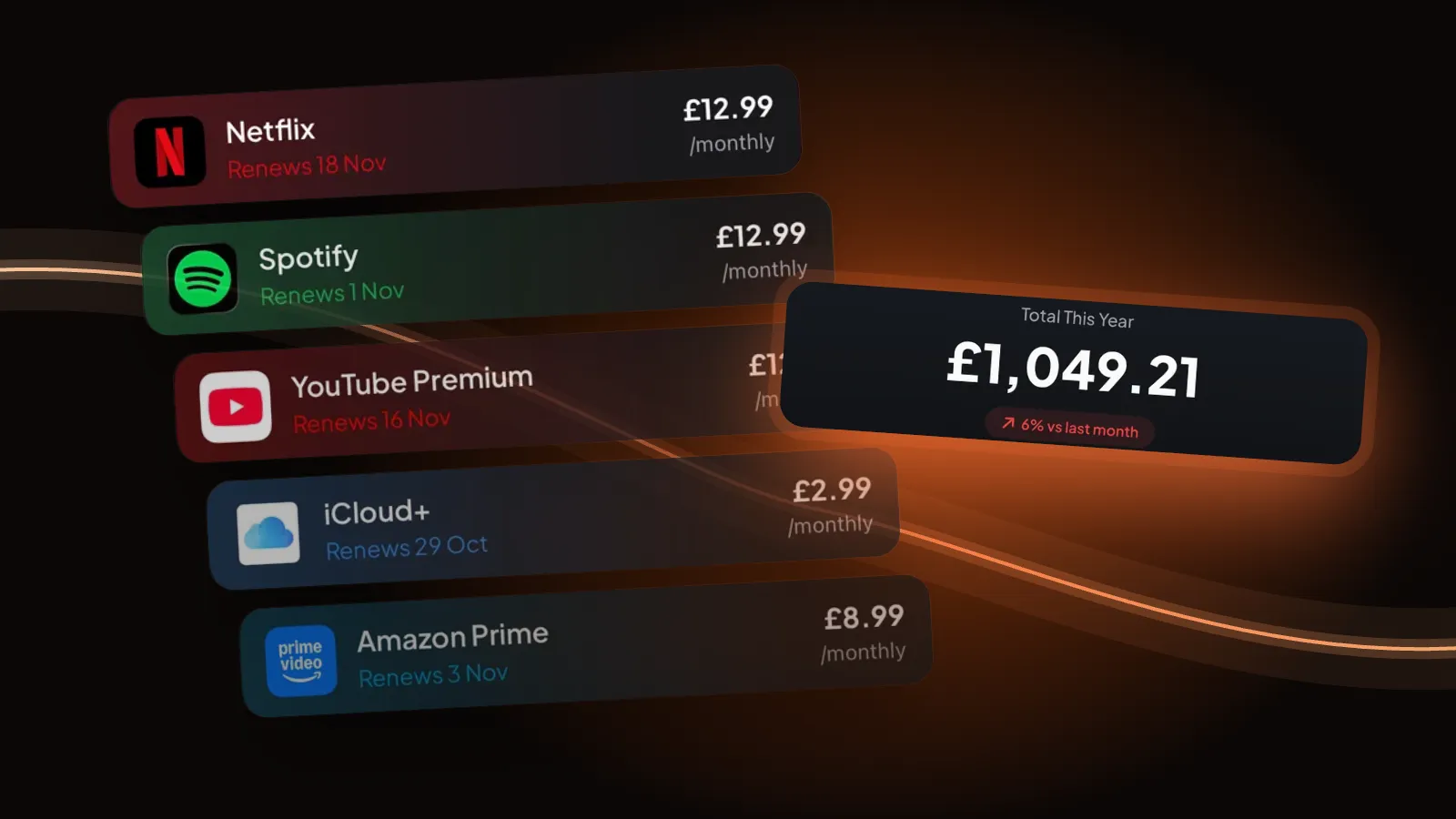
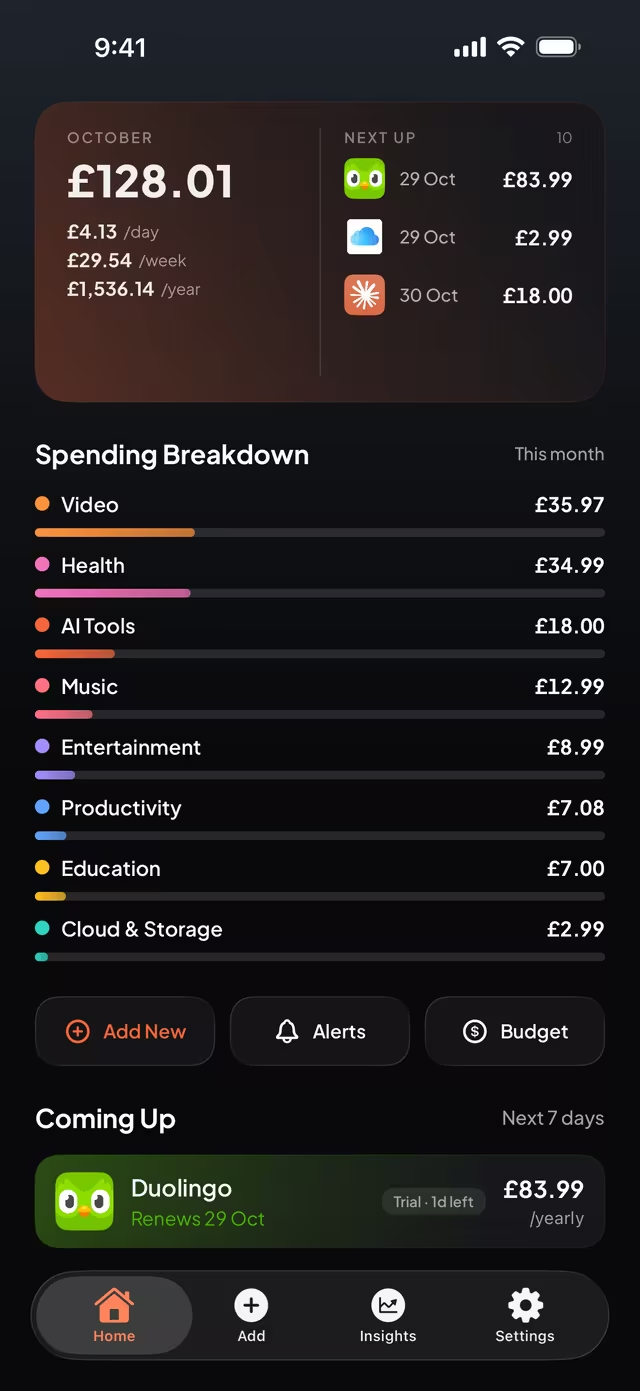
Weekly, monthly, quarterly and yearly plans, all added up. Home shows this month's total, what that means per day, week and year, and the next renewals. The breakdown shows where it goes, category by category.

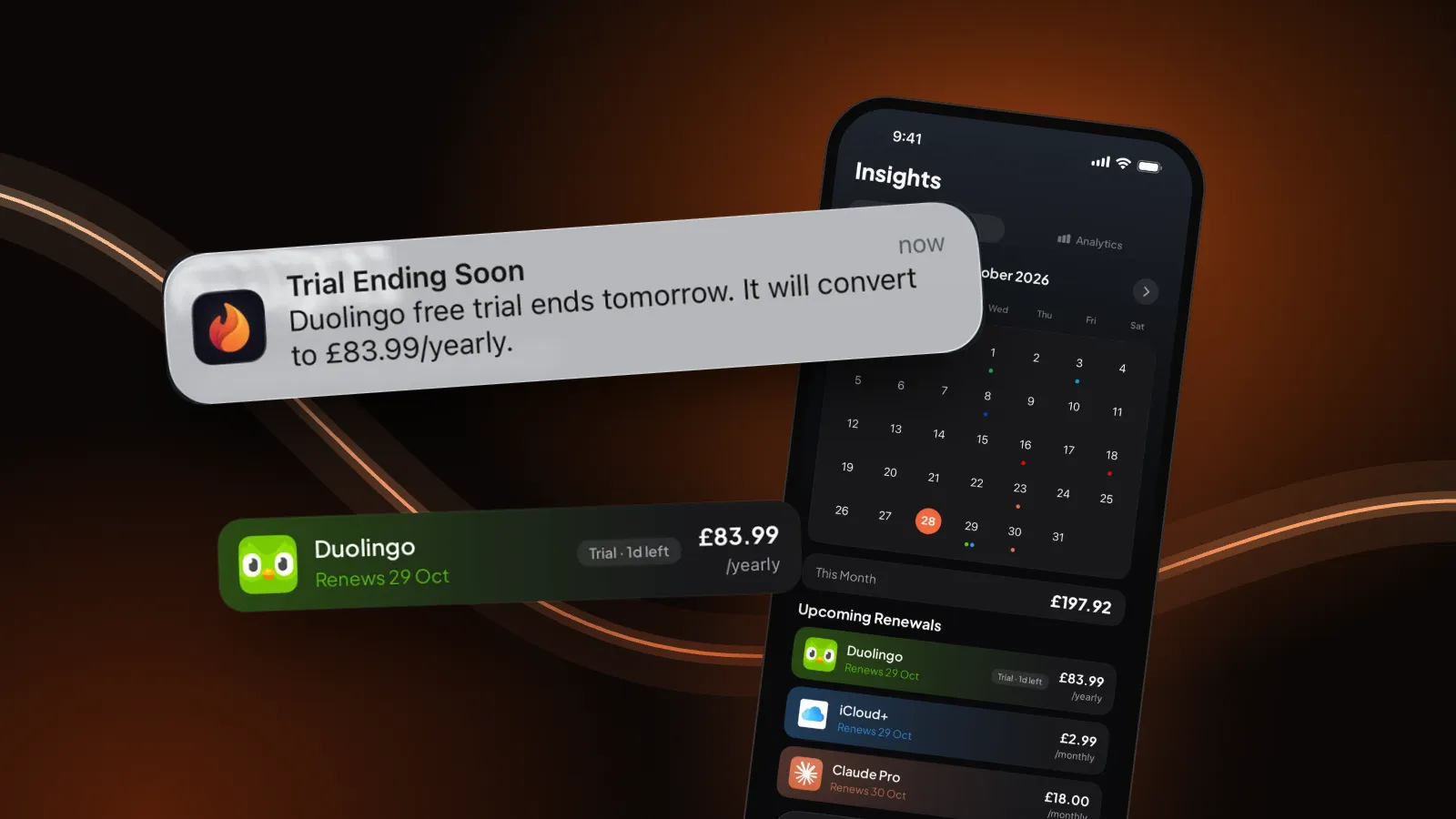
Free trial and renewal reminders - Catch every free trial
Mark a subscription as a free trial and Burn reminds you the day before it turns into a paid plan. For renewals, pick when you hear about it: on the day, 1 day, 3 days or 1 week before. You can hide the names on your lock screen too.


Subscription price changes - Spot every price rise
Change a price and Burn remembers the old one. The subscription shows how much it went up, next to your payment history and the total you've paid so far.


Subscription manager app - Know where it all goes
Insights shows your monthly spend across the year and your total so far. Burn Pro adds the category breakdown, your top spenders and every price change in one list.


Add any subscription - Add a sub in seconds
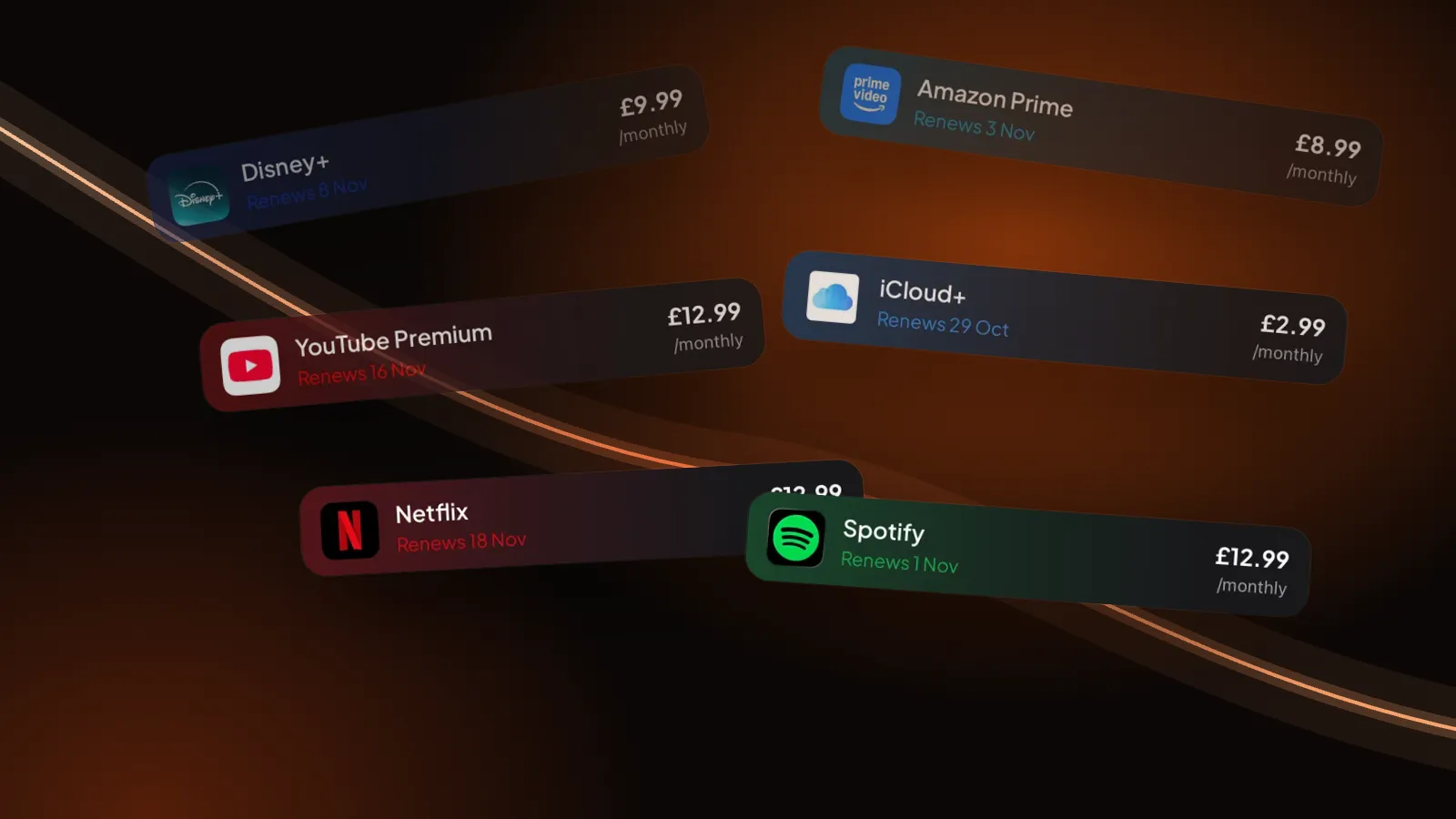
Search for the service or tap it in Popular, and it comes with its real logo. Set the price, billing cycle and next date, in any currency. Not listed? Add a custom one.


Private subscription tracker - Keep it yours
- No account
- No bank login
- No ads
- No tracking
Your subscriptions live on your device. With Burn Pro, iCloud Sync keeps iPhone and iPad the same through your own iCloud. Face ID can lock the app. Read the privacy policy.

Free subscription tracker, more with Pro - Handle the small stuff
- Free for 5 subscriptionsNo account, no time limit. Go Pro for unlimited, yearly or once for life.
- Face ID lockKeep Burn locked on devices with Face ID or Touch ID.
- Home screen widgetsNext renewals and a renewal calendar on your Home Screen. Pro.
- Monthly budgetSet a number for the month and see where you stand. Pro.
- Pause, don't deletePaused subscriptions stop counting toward your spend.
- Export to CSVTake every subscription with you as a spreadsheet. Pro.
Subscription tracker app, free - What's free
Burn is free to download and free for up to 5 subscriptions, with no time limit and no account. Reminders, totals and price rise tracking are all in the free version. Burn Pro is for more than 5 subscriptions and the extras below, billed yearly or once for lifetime. On the UK App Store that's £8.99 a year or £19.99 once, and in Germany 9,99 € or 22,99 € (28 October 2026). Elsewhere the App Store shows your local price.
| Feature | Free | Burn Pro |
|---|---|---|
| Subscriptions | Up to 5 | Unlimited |
| Totals per month, day, week and year | Yes | Yes |
| Renewal and free trial reminders | Yes | Yes |
| Price rise history | Yes | Yes |
| Pause, Face ID lock | Yes | Yes |
| Category breakdown, top spenders, price changes list | No | Yes |
| Monthly budget, CSV export, iCloud Sync | No | Yes |
| Every accent theme | No | Yes |
Subscription tracker app FAQ - Get the answers
How do I see all my subscriptions in one place?
Add each subscription to Burn once: pick the service, then set the price, billing cycle and next renewal date. Home then shows them all, with your total for the month and what it comes to per day, week and year, plus what renews next.
Is Burn a free subscription tracker?
Burn is free to download and tracks up to 5 subscriptions for free, with no account. Burn Pro adds unlimited subscriptions, advanced analytics, every accent theme, home screen widgets, a monthly budget, CSV export and iCloud sync. Pro is billed yearly or once for lifetime, and the App Store shows the price in your local currency.
Does Burn need my bank login?
No. Burn never connects to your bank or card. You add your subscriptions yourself, so there is no bank login and no account to create.
Can Burn remind me before a free trial ends?
Yes. Mark a subscription as a free trial and set the end date, and Burn reminds you the day before it converts to paid. For renewals you choose when to hear about it: on the day, 1 day, 3 days or 1 week before, at a time you pick.
Can Burn cancel subscriptions for me?
No. Burn tells you what renews and when, so you can decide in time. To cancel a subscription you pay for through Apple, open the Settings app on your iPhone, tap your name, then Subscriptions. For anything else, cancel with the service itself. In Burn you can then mark it as paused or cancelled so it stops counting toward your spend.
How do I track subscriptions on iPhone and iPad?
Burn runs on both iPhone and iPad. With Burn Pro, iCloud Sync keeps your subscriptions the same on both through your own iCloud account.
How much do I spend on subscriptions?
Burn adds it up for you. Weekly, monthly, quarterly and yearly plans are all converted, so Home shows one total for the month and what that means per day, per week and per year. Insights shows your monthly spend over the year.
Is my subscription data private?
Your subscriptions are stored on your device. Burn has no ads, no analytics and no tracking, and it never asks for your name or email. If you turn on iCloud Sync, your data goes through your own private iCloud. The privacy policy has the details.
Know your burn.
For iPhone and iPad