Free subscription audit and cost calculator
 Burn Team
The people who make Burn
Short answer
How much do you spend on subscriptions? Tap the services you pay for, fix any price that differs from your receipt, and tick "Barely use it" on the ones you could live without. You get the monthly and yearly total and what cancelling the ticked ones would save in a year. Do it once, today: it takes about ten minutes, and there is no account and no bank login.
Download Burn on the App Store
In this post
Tap to add
Presets fill the official UK (£) or US ($) list price, checked 29 October 2026. In euros, or where we couldn't check a price, you type it.
Saved on this device only. Nothing is uploaded. Your list stays in this browser so it's here if you come back. Clear all deletes it.
Paste a statement to find subscriptions (experimental)
Copy the text of a bank or card statement, or open a CSV export in a text editor and copy it, then paste it here. The page looks for known services (Netflix, Spotify, YouTube Premium, APPLE.COM/BILL and others) and for anything charged once a month for the same amount in two or more months. Your statement never leaves your browser: nothing is sent or saved.
It misses things: yearly plans if your paste covers less than a year, merchants with odd names, and anything billed through PayPal under another name. Check every result against the statement before you add it.
A ten-minute subscription audit
- Open the list Apple keeps. On iPhone: Settings, tap your name, then Subscriptions. Add each one above. The full sweep, step by step.
- Check two months of statements. Bank, credit card, PayPal and Google Play. Paste them into the reader above or add what you spot by hand.
- Search your email for "renewal", "receipt" and "your subscription". Yearly plans only show up once a year.
- Be honest with the flag. Tick "Barely use it" on anything you haven't opened in the last month.
- Cancel or set a date. Cancel the flagged ones now, or note the renewal date a week ahead and decide then.
How the calculator converts prices
Everything becomes a monthly figure first, then the year is the month times 12. Each currency is totalled on its own: the page never converts between pounds, dollars and euros, because any exchange rate it used would be out of date.
| Billed | Monthly equivalent | Example |
|---|---|---|
| Weekly | price × 52 ÷ 12 | £2.99 a week is £12.96 a month, not £11.96. Months are longer than four weeks. |
| Monthly | price | £10.99 a month is £131.88 a year. |
| Every 3 months | price ÷ 3 | £30 a quarter is £10 a month. |
| Yearly | price ÷ 12 | £59.99 a year is £5.00 a month. |
The prices in this table are round examples, not what any service charges.
Cancelling what you flagged
Flag a service and the ranking links to our cancel guide where we have one: Netflix, Spotify Premium, YouTube Premium and iCloud+. For anything Apple bills, cancel in Settings.
Prefer a spreadsheet?
Export CSV gives you the same columns as our free subscription tracker spreadsheet for Excel and Google Sheets, and Import CSV reads that file back. Want paper instead? Use the printable template.
Where Burn fits
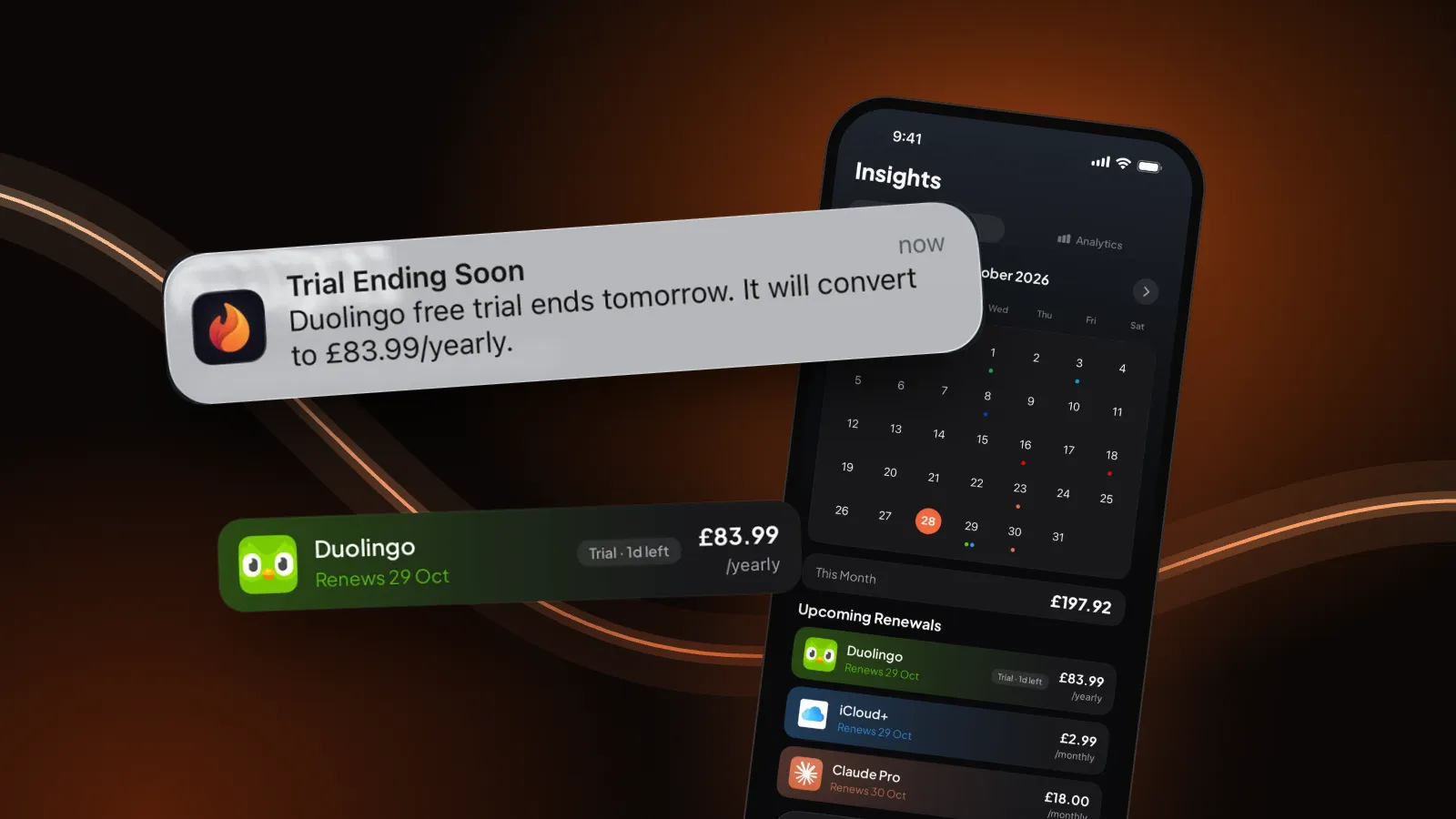
We make Burn, so weigh this. This page is a one-off audit, and a list you have to remember to update tends to go stale. Burn keeps the list on your iPhone and reminds you before each renewal and the day before a free trial turns paid. No account, no bank login. Free for up to 5 subscriptions.
Questions people ask
How much do I spend on subscriptions?
Add up every subscription as a monthly figure, then multiply by 12. The audit above does it for you: tap the services you pay for, check each price against your receipt, and it shows the monthly and yearly total for each currency.
Is this subscription tracker free? Do I need an account?
It is free and there is no account or sign-up. It runs in your browser and works offline once the page has loaded.
Does it save or upload my list?
Your list is saved in this browser's local storage on this device only. Nothing is uploaded or sent anywhere. Clear all deletes it.
Where do the preset prices come from?
Each preset uses the UK (£) or US ($) list price shown on the service's own pricing page on 29 October 2026. Where we couldn't read a price there (ChatGPT Plus, Xbox Game Pass, PlayStation Plus, and YouTube Premium in the US), the preset adds the name and you type the price. Prices change, so check against your receipt.
Does the statement reader send my bank data anywhere?
No. The pasted text is read by code on this page, in your browser. It is not sent, stored or saved, and it is gone when you clear it or leave the page.
Can I use it with a spreadsheet?
Yes. Export CSV gives Service, Cost, Currency, Cycle, Renewal date, Keep/Cancel, Monthly equivalent and Notes, the same columns as our spreadsheet template. Import CSV reads that file, and also the CSV from our printable template.
Why doesn't it add pounds and dollars together?
Converting needs an exchange rate, and a rate built into a page goes out of date. So each currency gets its own total.
Preset prices: official UK and US list prices, checked 29 October 2026: Netflix (UK, US), Spotify (UK, US), YouTube Premium (UK), Disney+ (UK, US), Amazon Prime (UK, US), Apple Music (UK, US), iCloud+ (UK, US), Microsoft 365 (UK, US).