How to see all your subscriptions on iPhone
 Burn Team
The people who make Burn
Short answer
Open Settings, tap your name, then tap Subscriptions. That lists every active and expired subscription Apple bills you for. It won't show anything you pay the company directly, like a gym, your broadband, or a Netflix plan you started on netflix.com. Those are on your bank statement, so you need both to see everything.
Download Burn on the App Store
In this post
See your Apple subscriptions in Settings
- Open the Settings app.
- Tap your name at the top. That's your Apple Account.
- Tap Subscriptions. Active ones are at the top, expired ones underneath.
- Tap a subscription to see its price and renewal date, change the plan or cancel it.
Or open the list from the App Store
- Open the App Store.
- Tap your picture in the top right.
- Tap Subscriptions.
It's the same list through a different door. For one-off app purchases, go to Apps & Purchase History instead. Steps are from Apple's support pages and the labels can shift a little between iOS versions.
What the iPhone list leaves out
Apple only lists what Apple bills. None of these will be there:
- Services you joined on their website and pay by card, such as Netflix or Spotify if you signed up that way.
- Gym memberships, phone contracts, broadband, newspapers, software licences and recipe boxes.
- Subscriptions on a second Apple Account of yours, or on a family member's.
- Anything billed through your mobile network.
How to see subscriptions on your card or bank account
- Go back 12 months, not two. Yearly plans only show up once a year. Note anything that repeats, and any small charge you don't recognise.
- Search your email for "receipt", "renewal", "subscription", "trial" and "invoice".
- Check PayPal if you use it: on the website, Settings, then Payments, then the list of automatic payments.
- Read your phone bill for anything extra billed through your network.
The full method, from what to write down to how often to check, is in how to track your subscriptions. To write the list down, use our free subscription tracker template for Excel, Google Sheets or Notion.
Found one you want gone? How to cancel subscriptions on iPhone, or the guides for Spotify Premium, YouTube Premium and iCloud+ storage.
Keep every subscription in one list
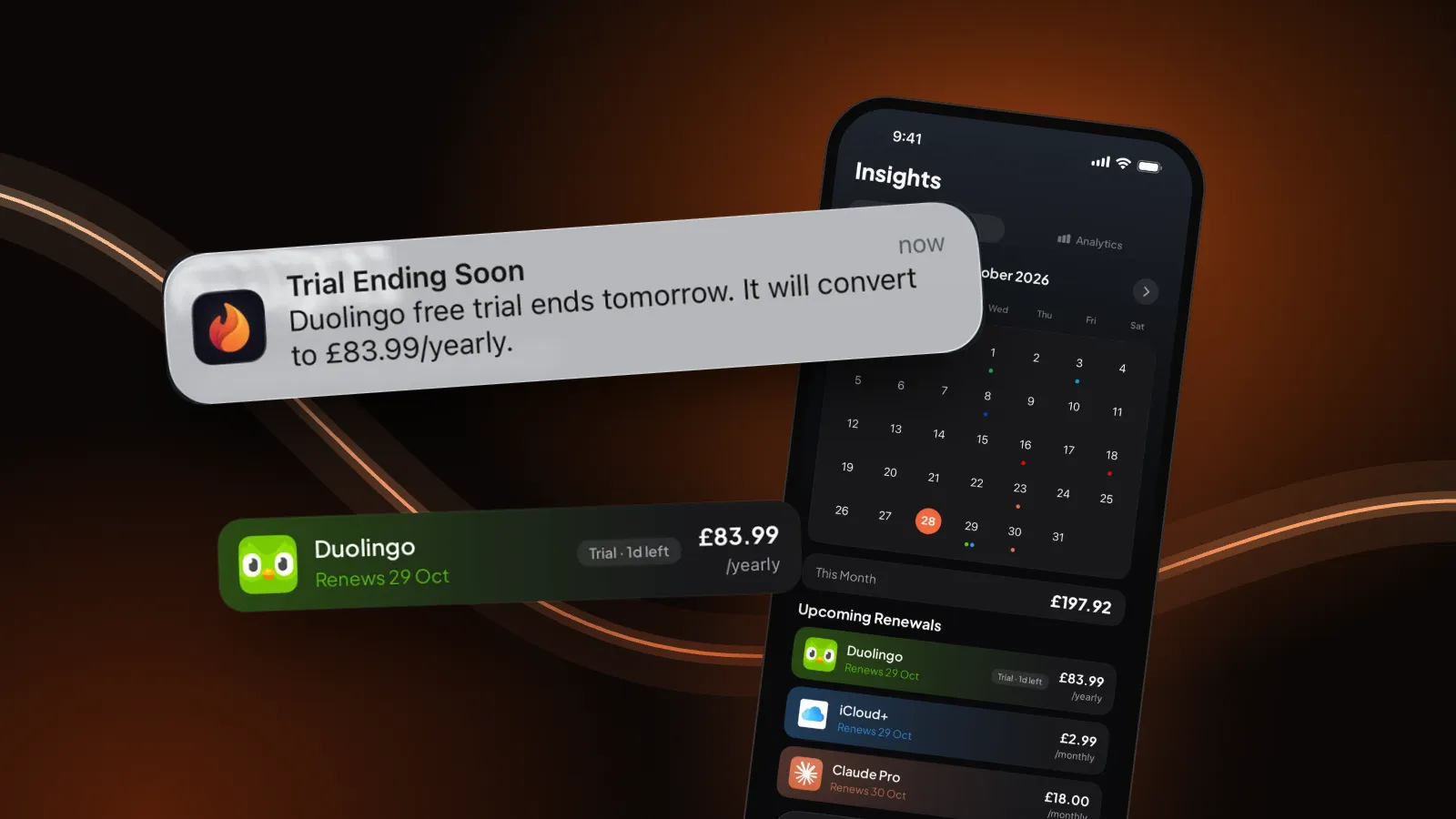
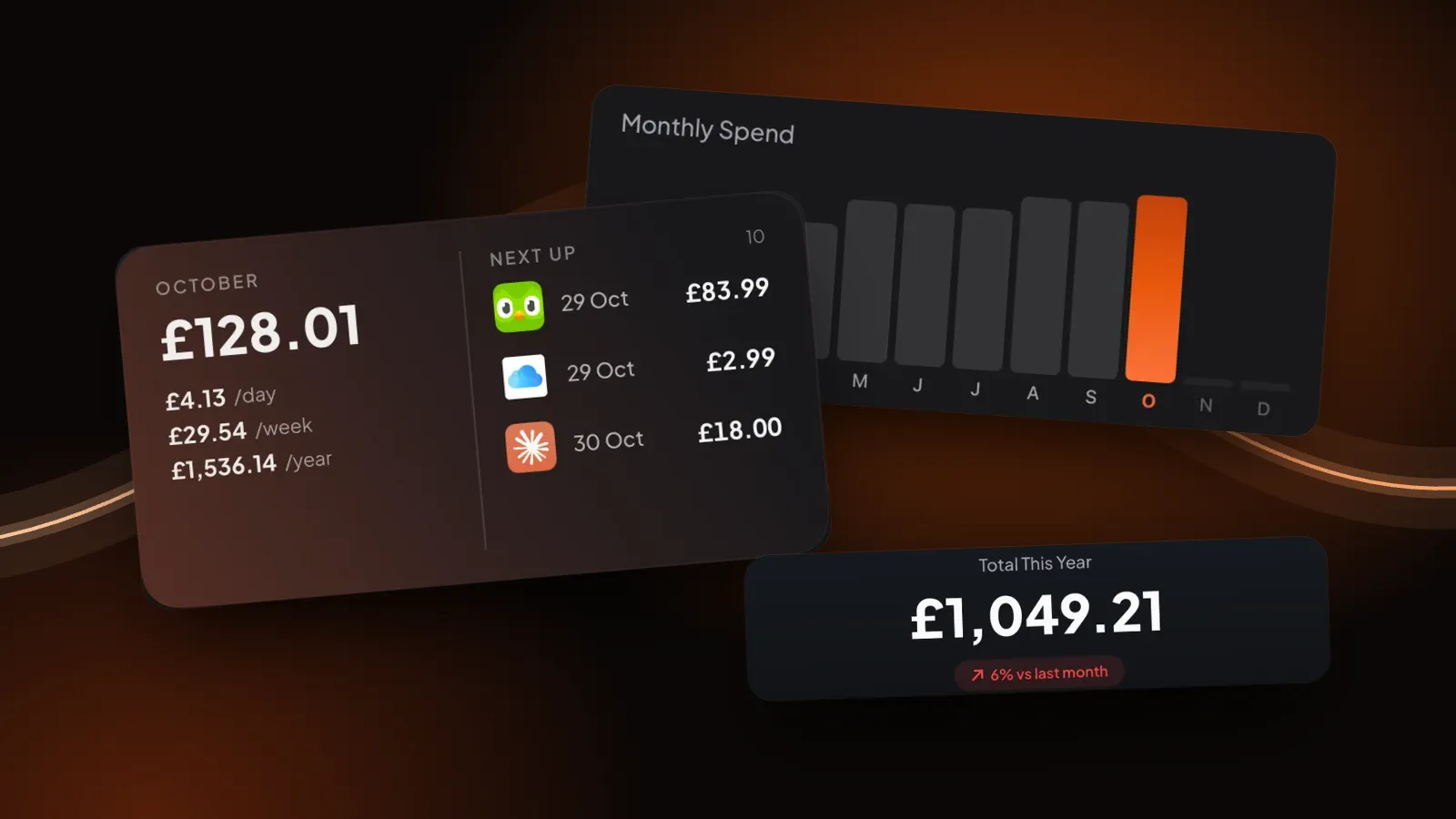
Once you've found them, put them somewhere you'll look. That's what we built Burn for, so take this part with that in mind. You add each subscription once, whoever bills it: search for the service and it comes with its logo, then set the price, cycle and next date. Home shows the monthly total and what renews next.
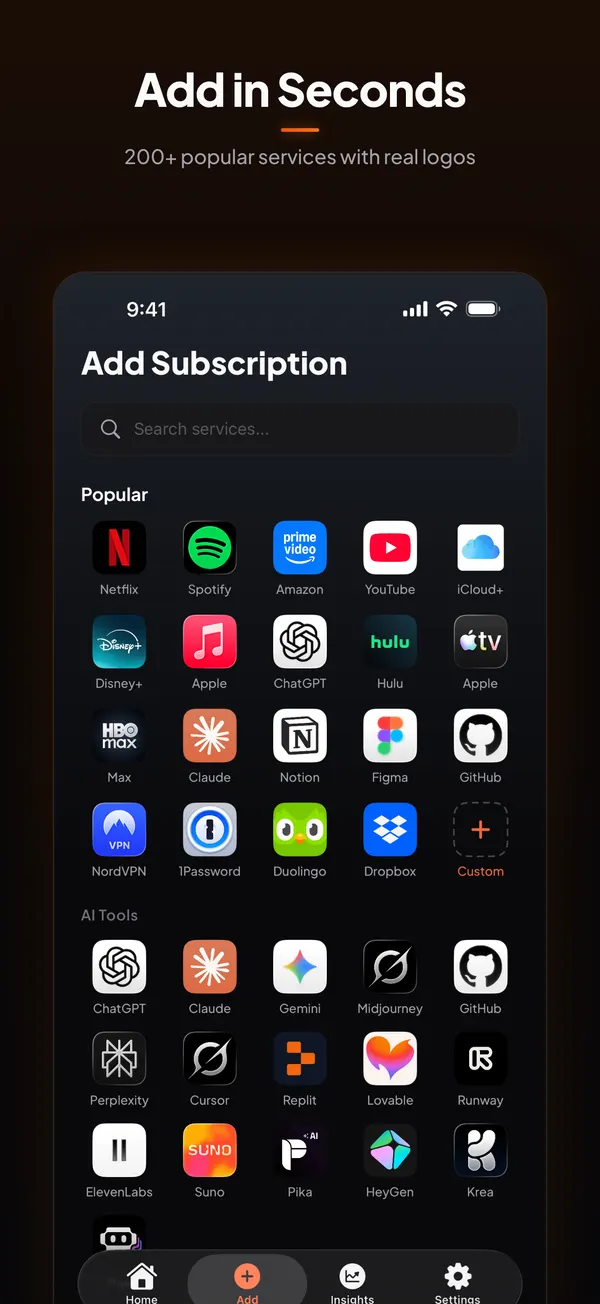
Burn reminds you the day before a free trial turns paid, and before renewals when you choose. It doesn't connect to your bank or to Apple, so it won't find anything by itself and it can't cancel for you. It's free for up to 5 subscriptions. Comparing options? See the best subscription tracker apps in the UK.
Questions people ask
How do I see all my active subscriptions on iPhone?
Open Settings, tap your name, then tap Subscriptions. Active subscriptions are listed first, expired ones below. This only covers subscriptions Apple bills you for.
Why is a subscription missing from my iPhone Subscriptions list?
The list only shows subscriptions billed by Apple. If you pay the company directly, signed up on its website, or it's on another Apple Account or a family member's, it won't appear. Your bank or card statement shows who is billing you.
Can I see subscriptions I pay by card on my iPhone?
Not in the Subscriptions list, which only covers Apple billing. Go through 12 months of card and bank statements, or keep them in a tracker app like Burn alongside your Apple ones.
How do I manage subscriptions on iPhone?
In Settings, tap your name, then Subscriptions, and tap any subscription to change its plan or cancel it. Subscriptions you pay directly are managed on the company's website or app.
Is there an app that shows all my subscriptions?
Burn keeps all of them in one list, Apple-billed or not. You add each one yourself, so it never needs your bank login. It's free for up to 5 subscriptions.
Sources: Apple, If you want to cancel a subscription from Apple; Apple, See your purchases and subscriptions. Checked 28 October 2026.