How to cancel YouTube Premium on iPhone
 Burn Team
The people who make Burn
Short answer
If you joined YouTube Premium in the YouTube app on iPhone, Apple bills you: open Settings, tap your name, tap Subscriptions, YouTube, then Cancel Subscription. If you joined on the web, go to youtube.com/paid_memberships, tap Manage membership, then Deactivate, Continue to cancel, and Yes, cancel. Either way, Premium keeps working until the end of the billing period.
Download Burn on the App Store
In this post
Which route is yours?
Open Settings, tap your name, tap Subscriptions. If YouTube is listed, Apple bills it. Google's help says that if you joined from the YouTube iOS app, you cancel from your Apple account. If YouTube isn't listed, Google bills you, so use the web steps.
Cancel YouTube Premium through Apple
- Open Settings and tap your name.
- Tap Subscriptions, then YouTube.
- Tap Cancel Subscription. Scroll if you don't see it.
Cancel YouTube Premium on the web
- In Safari, go to youtube.com/paid_memberships and sign in with the Google account that pays.
- Tap Manage membership.
- Tap Deactivate.
- Tap Continue to cancel, pick your reason, then tap Next.
- Tap Yes, cancel.
When does YouTube Premium stop?
Google says you won't be charged again unless you re-subscribe, and your benefits continue until the end of the billing period. Until you cancel, the price is charged at the start of every new cycle. Google also offers a pause instead of a full cancel, from the same membership page.
Still being charged?
Google's checklist: Apple bills you if you joined in the iOS app, Google Play bills you if your membership comes through a Play subscription, and youtube.com/paid_memberships shows whether you've already cancelled. Using YouTube Music Premium? It's cancelled the same way.
Where Burn fits
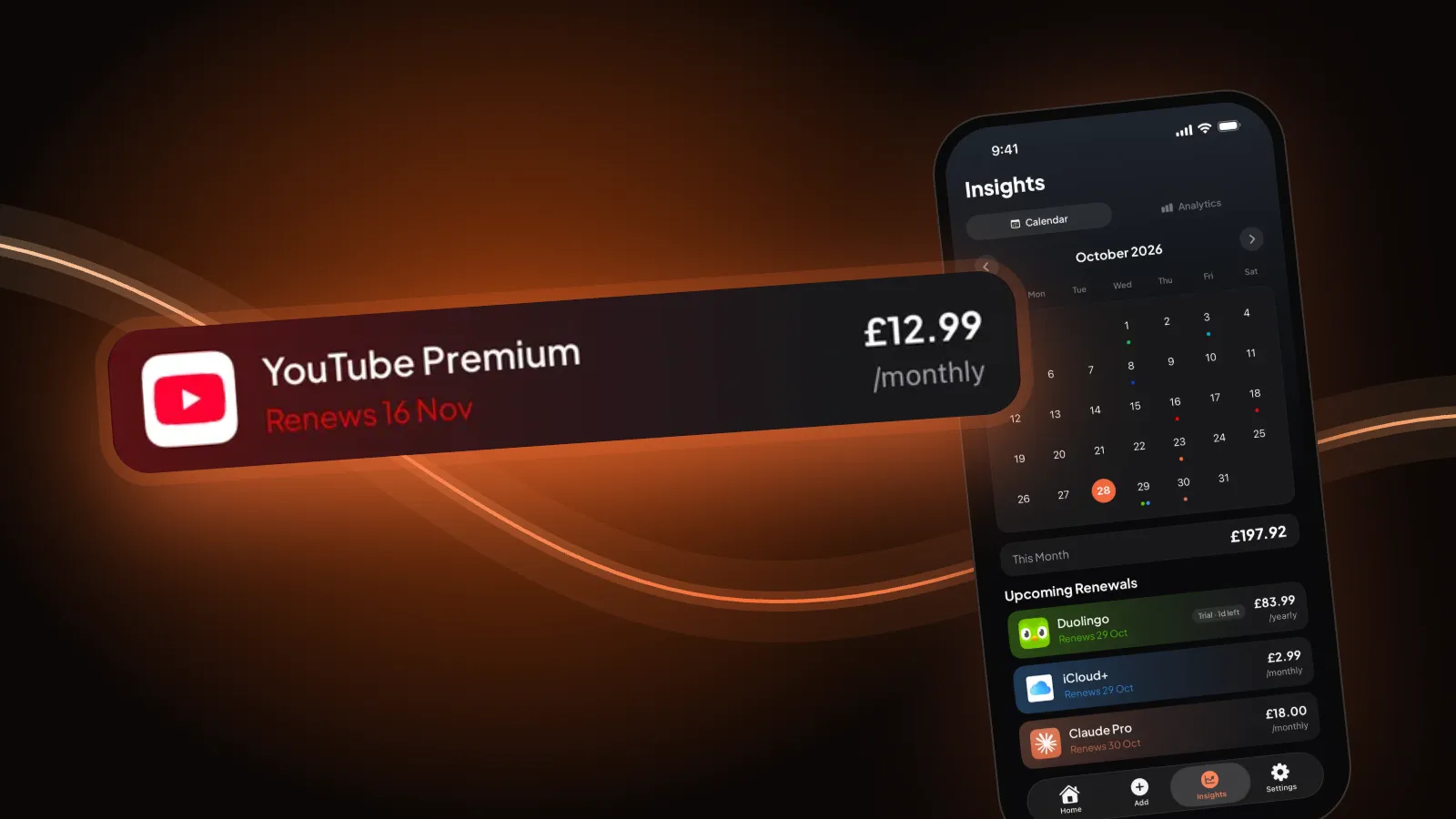
We make Burn. It doesn't touch your Apple or Google account, so it can't cancel anything. It reminds you before YouTube Premium renews and the day before a free trial turns paid. Free for up to 5 subscriptions.
Questions people ask
How do I cancel YouTube Premium if I subscribed on my iPhone?
Google says to cancel from your Apple account: Settings, tap your name, Subscriptions, YouTube, Cancel Subscription.
Does YouTube Premium stop straight away when I cancel?
No. Google says your benefits continue until the end of the billing period, and you won't be charged again unless you re-subscribe.
Where is the YouTube Premium cancel page?
youtube.com/paid_memberships. Choose Manage membership, Deactivate, Continue to cancel, a reason, then Yes, cancel. That works for memberships Google bills directly.
Can I pause YouTube Premium instead of cancelling?
Google says you can cancel, pause or resume a paid membership at any time from the membership page.
Sources: YouTube Help, Cancel your YouTube paid membership; Apple, Cancel a subscription from Apple. Steps re-checked 30 October 2026. If the screens differ, Google's help article wins.