Printable subscription tracker template
 Burn Team
The people who make Burn
Short answer
Print the sheet below, or save it as a PDF, and fill it in by hand. For a spreadsheet with formulas, use our subscription tracker spreadsheet instead. Fill one row per subscription: name, price, how often it bills, next renewal date, who bills you, where to cancel and notes. The "billed by" column is the one that saves time when you want out.
Download Burn on the App Store
In this post
Subscriptions
Month checked: ____________ Monthly total: ____________ Yearly total: ____________
| Subscription | Price | Billed | Next renewal | Billed by | Cancel at | Notes |
|---|---|---|---|---|---|---|
Billed by: Apple, Google Play, PayPal, the company's website, or your phone network. Free template from burnsubs.com
How to fill it in
- Subscription: the name you'll recognise. If a family member pays, say whose account it is.
- Price and Billed: the amount and the cycle (weekly, monthly, yearly). Copy them from the receipt, not from memory.
- Next renewal: the date the next charge lands. For a free trial, write the day it turns paid and mark it TRIAL.
- Billed by: Apple, Google Play, PayPal, the company itself, or your phone network. This decides where you cancel.
- Cancel at: where the cancel button lives, e.g. "Settings > Subscriptions" or the company's account page.
Want it in Excel or Google Sheets?
The CSV here is the same seven columns as plain text. For a proper spreadsheet, with drop-downs, a monthly-cost formula on every row and totals that work themselves out, download the subscription tracker spreadsheet (.xlsx). To add things up without a file at all, use the free subscription audit: its Import CSV reads this template's CSV too.
Where to find what goes in each row
Start with Settings, your name, Subscriptions on iPhone for everything Apple bills. Then two months of bank and card statements, PayPal and Google Play. How to see all your subscriptions on iPhone walks through each place.
Where Burn fits
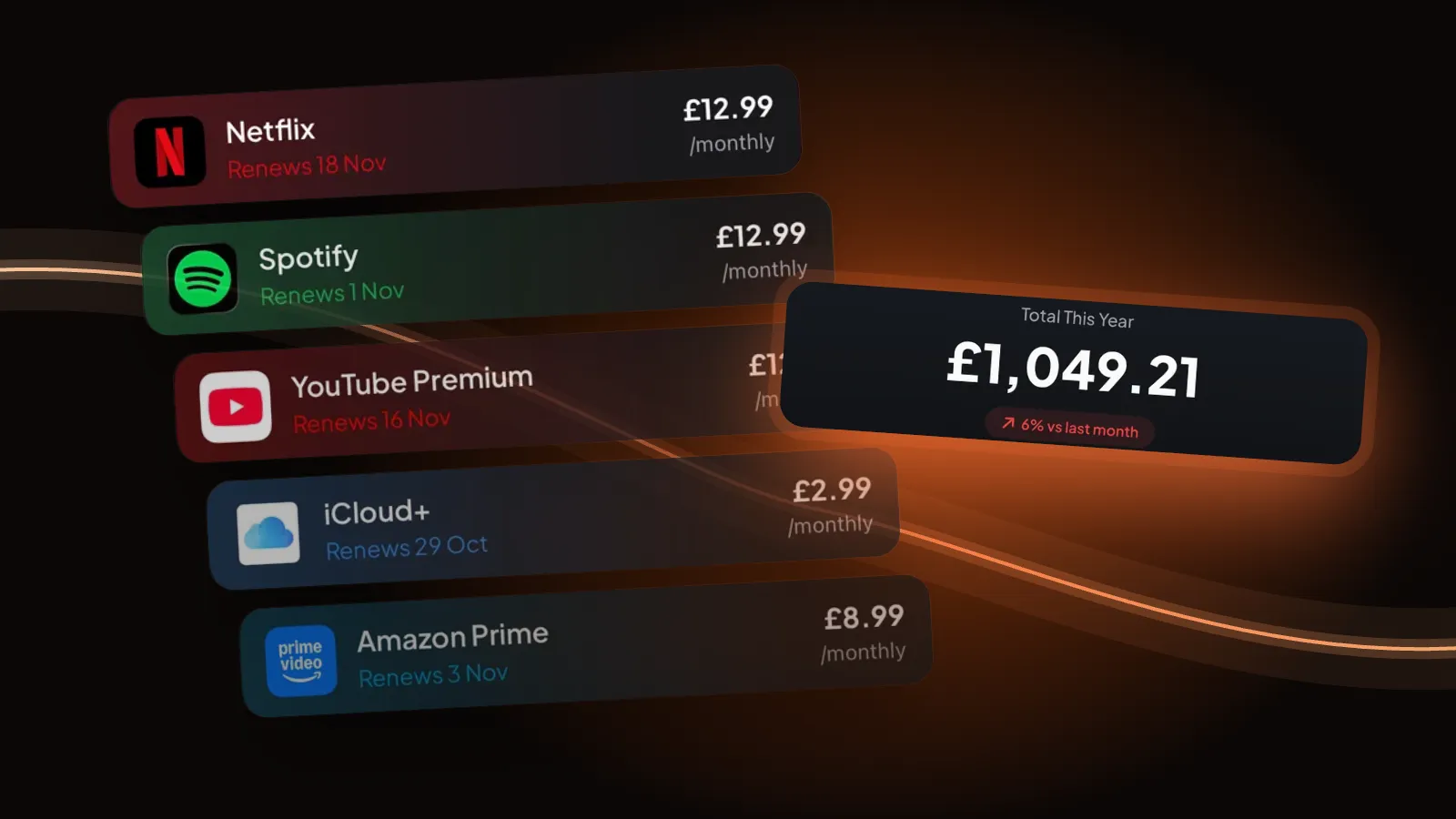
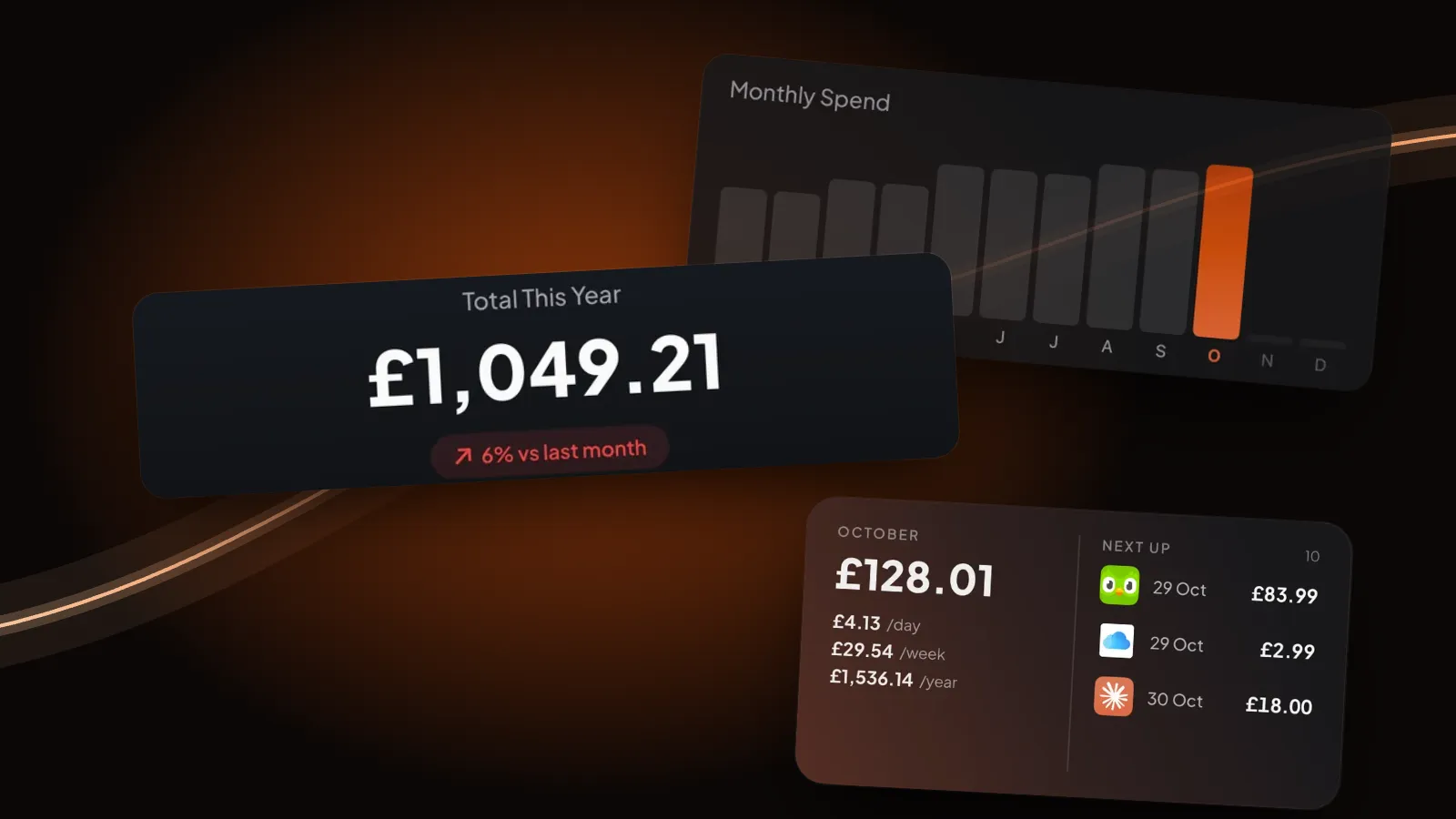
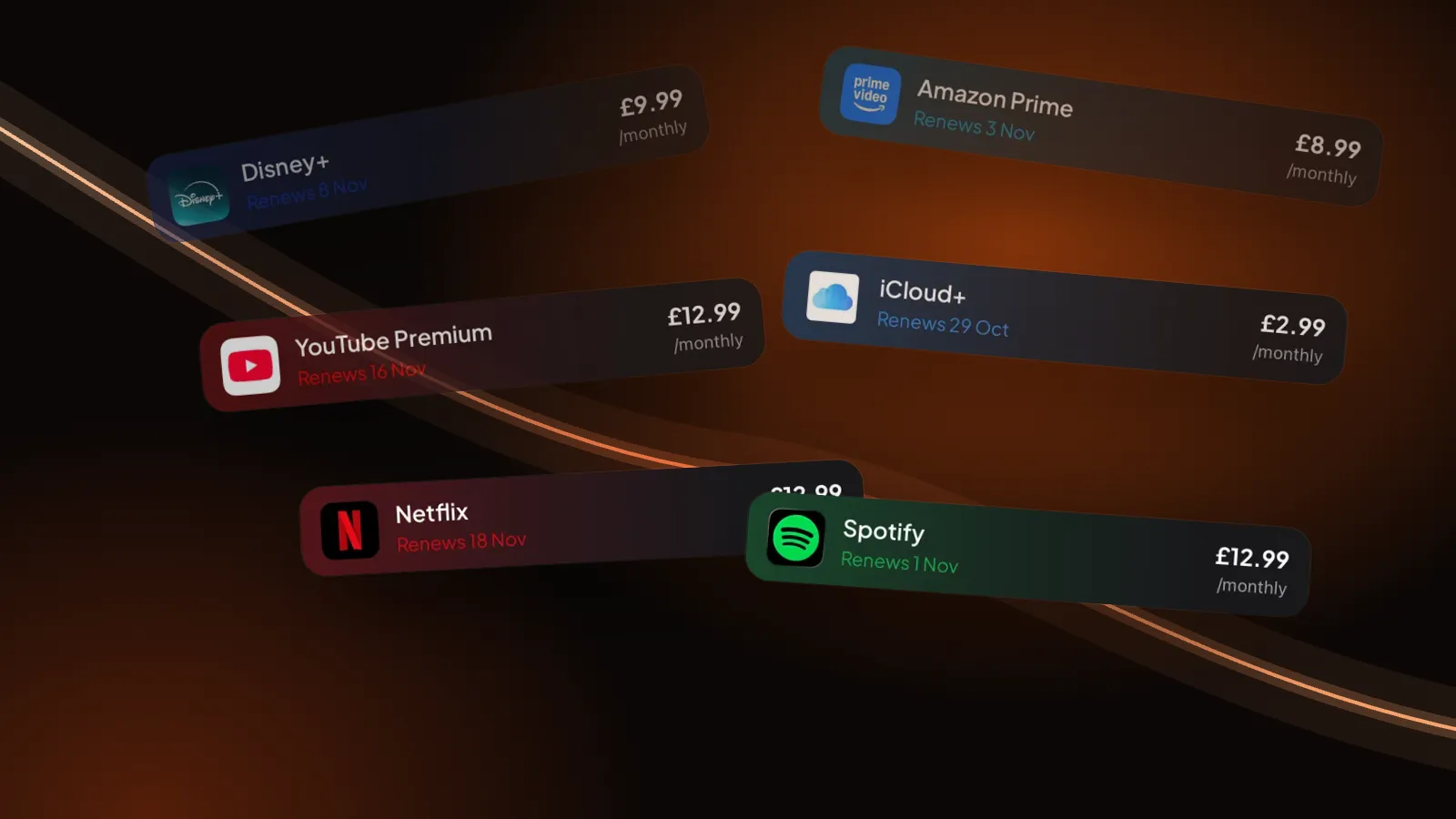
We make Burn. A sheet is fine if you open it every month. Burn is the same list on your iPhone that reminds you on its own: before each renewal and the day before a free trial ends. No account, no bank login. Free for up to 5 subscriptions.
Questions people ask
Is there a version for Google Sheets or Excel?
Yes, on a separate page: the subscription tracker spreadsheet is an .xlsx with formulas and drop-downs. In Google Sheets, choose File > Import > Upload and pick the file.
What columns should a subscription tracker have?
At least the name, price, billing cycle and next renewal date. Add who bills you and where to cancel: that is what you need on the day you decide to stop paying.
Can I print the subscription tracker?
Yes. Print the template opens a clean black-on-white sheet with 14 empty rows, ready for your printer or to save as PDF.