Free subscription tracker template for Excel, Google Sheets and Notion
 Burn Team
The people who make Burn
Short answer
Download the .xlsx for Excel or Google Sheets, or the Notion CSV to import as a Notion database. Each row is one subscription: name, price, currency, billing cycle, next renewal, trial end, who bills you, where to cancel and status. The .xlsx works out the monthly cost of every row and totals it. It's free, no sign-up, no email.
Download Burn on the App Store
In this post
Columns: Name, Price, Currency, Billing cycle, Next renewal, Trial ends, Billed by, Cancel at, Status, Category, Monthly cost, Notes (the .xlsx also works out Yearly cost and Days until renewal). Four example rows show how to fill it in: delete them when you start.
What's in the template
| File | Best for | What you get |
|---|---|---|
| .xlsx | Excel, Google Sheets | Drop-downs for currency, cycle, billed by and status. Monthly cost, yearly cost and days-until-renewal formulas on 200 rows, with upcoming renewals and ending trials highlighted. Monthly and yearly totals, and what cancelling saved. |
| Notion CSV | Notion | The same columns, with dates written the way Notion's importer reads them. Imports as a database. |
| Plain .csv | Google Sheets, Airtable, anything | All twelve columns as plain text, dates as YYYY-MM-DD. |
Use it in Google Sheets
- Download the .xlsx above.
- On a computer, open Google Sheets and create a blank spreadsheet.
- Click File, then Import, then Upload, and pick subscription-tracker-template.xlsx.
- Choose Create new spreadsheet (or Replace spreadsheet), then Import.
The formulas and drop-downs normally come across in the import; check that the Monthly cost column fills in. There's no "make a copy" link here on purpose: importing gives you your own file in your own Drive, and we never see it.
Use it in Excel
Open the .xlsx. That's it. It's a normal workbook with two sheets, Subscriptions and How to use, no macros.
Use it as a Notion subscription tracker
- Download the Notion CSV above. Notion imports work on desktop and the web, not the mobile app.
- In Notion, go to Settings, then Import, then CSV (or type /csv on a page).
- Upload subscription-tracker-notion.csv and choose to create a new database.
- Pick where it goes, then map the columns: Price as Number, Next renewal and Trial ends as Date, Currency, Billing cycle, Billed by, Status and Category as Select.
Notion's help says a CSV import can't create formulas, so add the monthly cost yourself: a new Formula property withif(prop("Billing cycle") == "Yearly", prop("Price") / 12, if(prop("Billing cycle") == "Weekly", prop("Price") * 52 / 12, if(prop("Billing cycle") == "Quarterly", prop("Price") / 3, prop("Price"))))
Then turn on Sum for that column in the table view, and group or filter by Status. A calendar view on Next renewal shows which days money leaves.
How to fill it in
- Find them all first. On iPhone, Settings, your name, Subscriptions lists what Apple bills. Then go through 12 months of bank and card statements, PayPal and Google Play. How to see all your subscriptions on iPhone covers each place.
- Copy price and date from the receipt, not from memory.
- Billed by decides where you cancel: Apple, Google Play, PayPal, the company's website, your phone network or a direct debit.
- Trials: set Status to Trial and fill in Trial ends. Apple says to cancel at least 24 hours before a trial ends if you don't want it to renew.
- When you cancel, keep the row and set Status to Cancelled. The .xlsx totals what that saves you each month.
Weekly plans are the ones that surprise people: the sheet converts them with price × 52 ÷ 12, so £2.99 a week shows as £12.96 a month. For a printable paper version, use the printable subscription tracker. To add everything up without a file, try the subscription cost calculator.
Tired of updating it by hand?
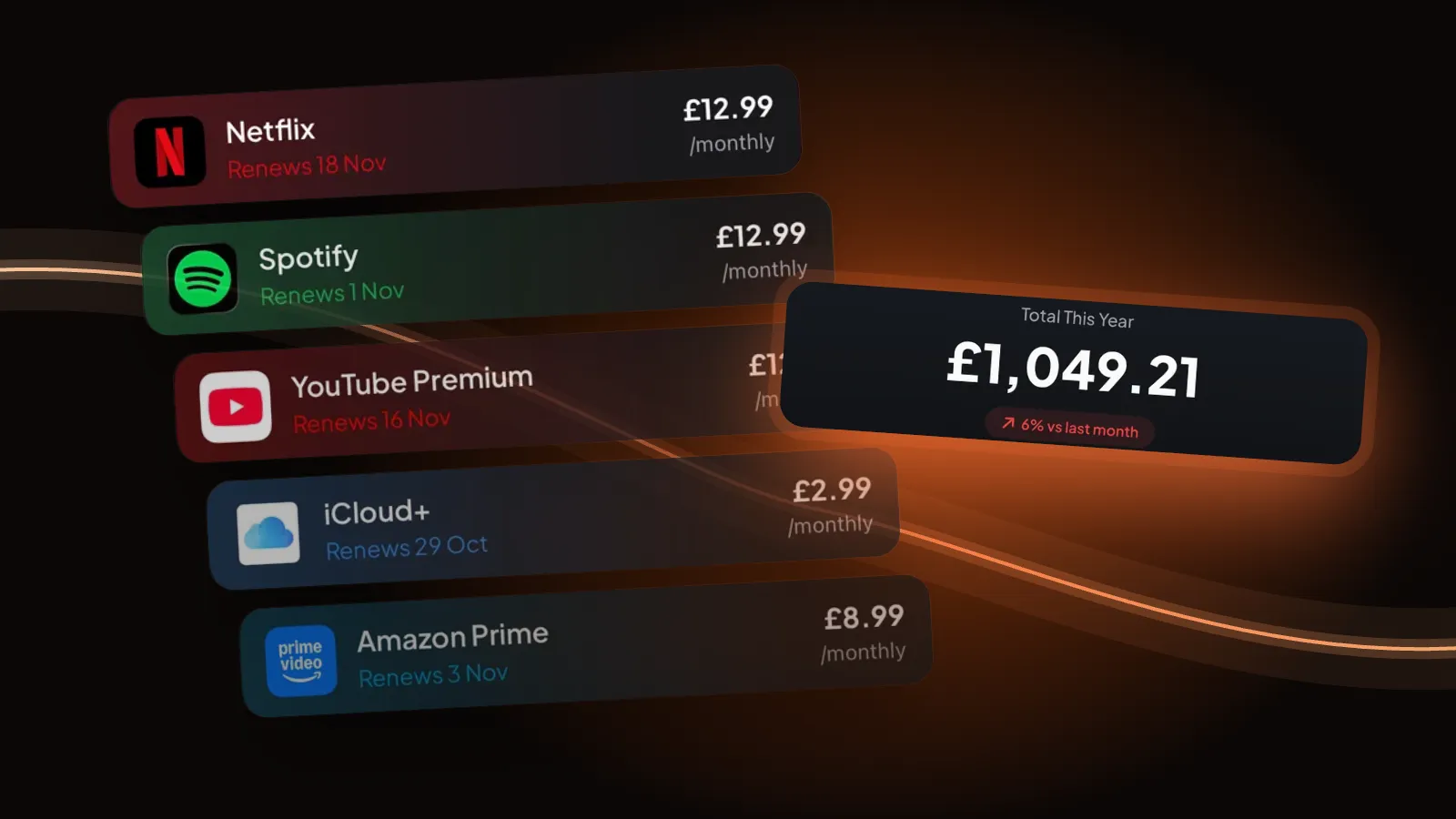
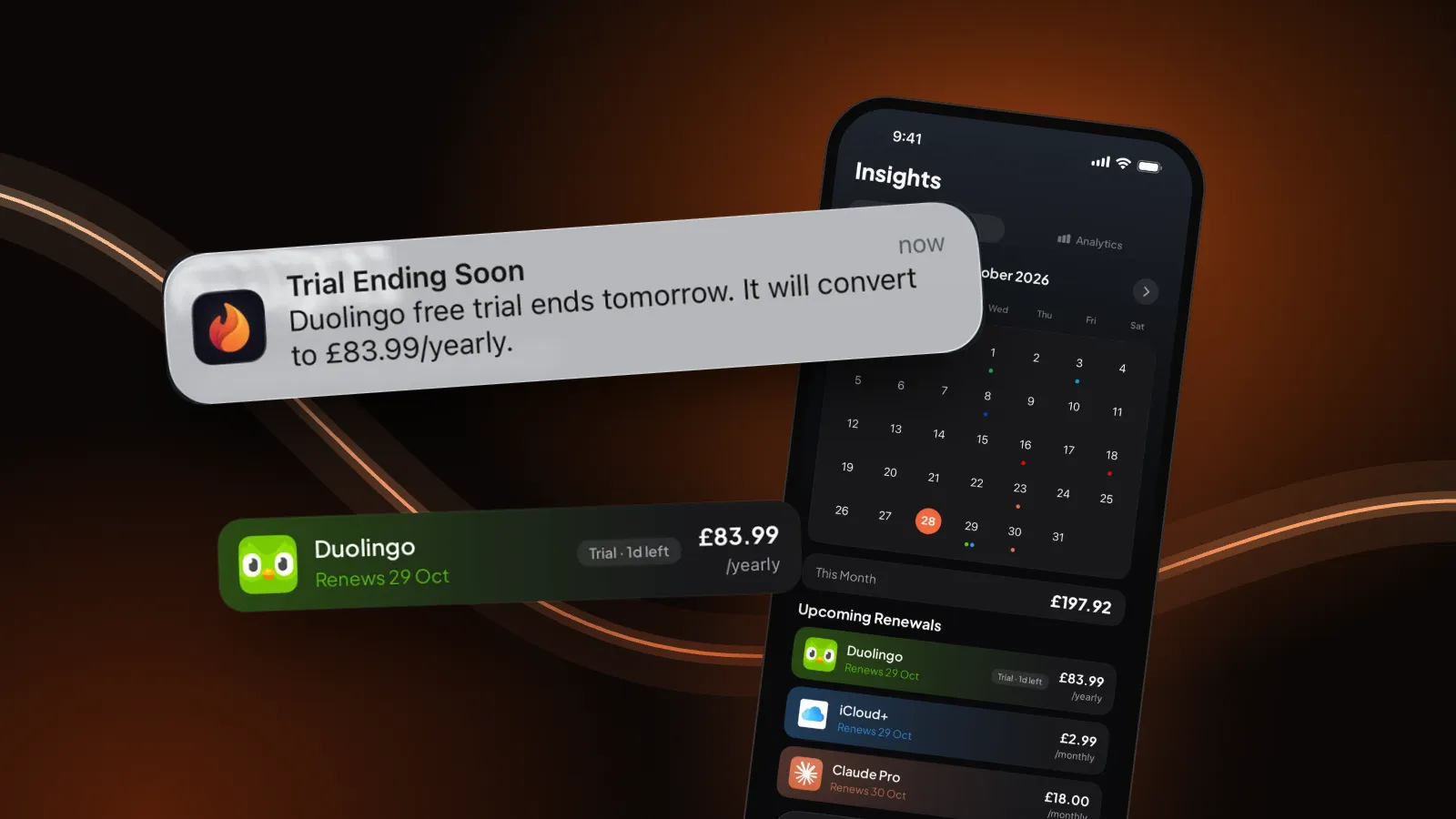
A template's weak spot is that it never moves on its own. Every renewal changes the next date, and you have to remember to edit it, and to look at it before the money goes. That's why we built Burn, so read this part with that in mind. Burn is the same list on your iPhone, but it tracks the dates automatically: you add each subscription once, it works out every next renewal from the cycle, adds up the month and year, and reminds you the day before a free trial turns paid and before renewals when you choose.
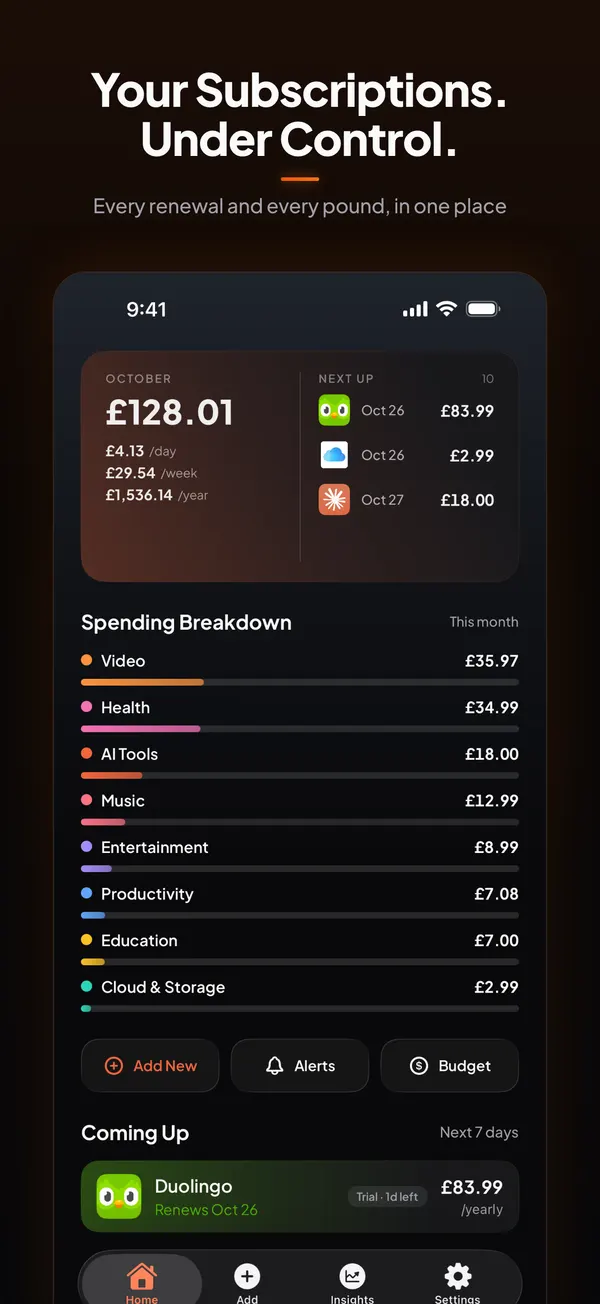
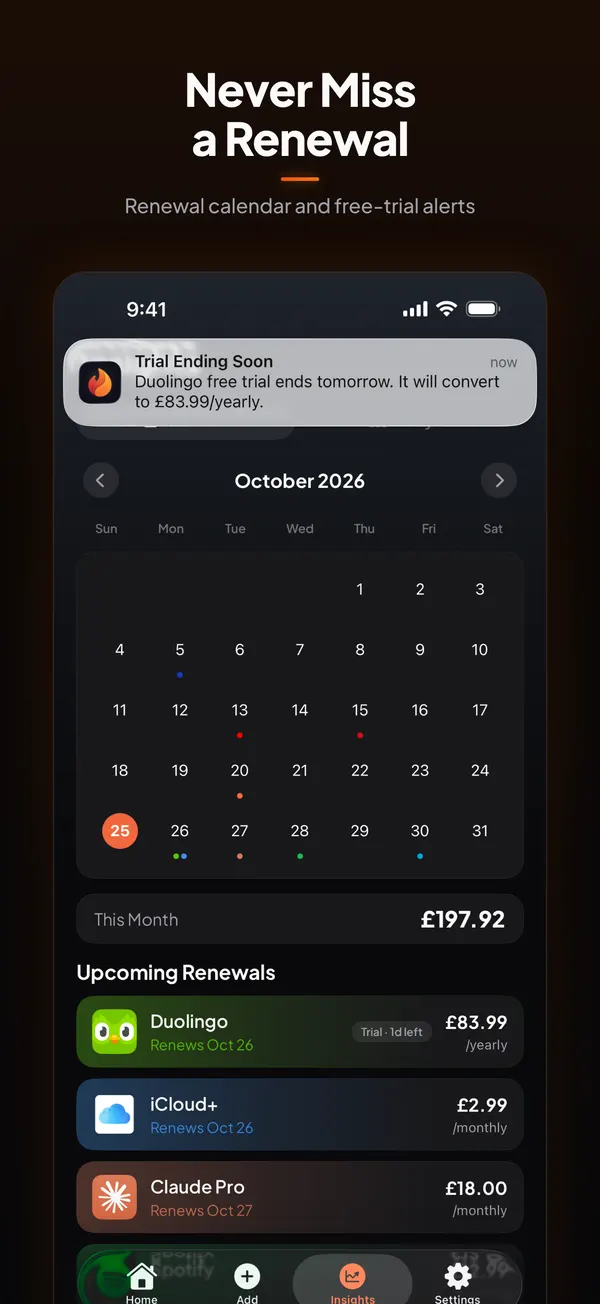
It doesn't link to your bank, so you still add each subscription yourself, once. Free for up to 5 subscriptions, no account. Burn Pro adds unlimited subscriptions and CSV export, so you can keep the spreadsheet too.
Questions people ask
Is there a free subscription tracker template for Google Sheets?
Yes. Download the .xlsx on this page, then in Google Sheets choose File, Import, Upload and pick the file. It's free and needs no sign-up.
Is there a Notion subscription tracker template?
Download the Notion CSV here and import it in Notion with Settings, Import, CSV. Notion turns it into a database with one page per subscription. Add a formula property for the monthly cost, because CSV imports can't create formulas.
Does the template work in Excel?
Yes. The .xlsx opens in Excel as a normal workbook with no macros: a Subscriptions sheet with drop-downs, a monthly-cost formula and totals, and a How to use sheet.
What columns should a subscription tracker have?
At least name, price, billing cycle and next renewal date. Add who bills you and where to cancel, because that's what you need when you decide to stop paying, and a trial end date for free trials.
Is there an app that does this automatically?
Burn keeps the same list on iPhone and moves each renewal date on by itself, with reminders before renewals and the day before a free trial ends. It doesn't connect to your bank, so you add each subscription once. Free for up to 5.
Sources: Notion Help, Import data into Notion (CSV section); Google Docs Editors Help, Import data sets and spreadsheets; Apple, Cancel a subscription from Apple. All checked 30 October 2026.